Inside Sys-Monitor: 59 Professional Diagnostic Tools in Your Pocket
How a single Android app replaces an entire toolkit of system diagnostics, audio analysis, sensor instruments, and GPS tracking.
Why 59 Tools in One App?
Most Android users have a familiar problem: they download one app for battery monitoring, another for storage analysis, a third for network diagnostics, and maybe a fourth for sensor readings. Before long, the phone is cluttered with single-purpose utilities, each with its own ad strategy, permission model, and update cycle. Sys-Monitor was engineered to solve that problem by consolidating 59 professional-grade diagnostic, measurement, and analysis tools into a single, cohesive application.
The philosophy behind Sys-Monitor is straightforward: every tool a power user, IT professional, audio engineer, or field scientist might need should be accessible from one unified interface. No subscriptions. No premium tiers. No ads. Just 59 tools, all free, all running locally on your device with zero data leaving your phone.
What started as a system monitoring utility has evolved into something far more ambitious — a portable diagnostic laboratory that spans system health, audio analysis, environmental sensing, GPS tracking, and device optimization. This article takes a deep dive into what Sys-Monitor offers, how it works under the hood, and why it has become an indispensable tool for Android power users.
Core System Monitoring: The Foundation
At its heart, Sys-Monitor is a system intelligence platform. The System Health Dashboard provides a real-time 0-100 health score that aggregates CPU load, memory pressure, battery condition, storage availability, and thermal state into a single, color-coded metric. This score updates continuously, giving you an instant read on your device's overall condition without needing to check five different screens.
System Health Dashboard
Real-time 0-100 score aggregating CPU, memory, battery, storage, and thermal metrics with color-coded trending.
Floating Monitor Overlay
Always-on-top transparent overlay showing CPU, RAM, battery, and network stats over any app.
53 Export Functions
Export any measurement as CSV, JSON, PDF, GPX, or WAV — professional documentation built in.
Real-Time Performance Tracking
The Live Monitor displays real-time CPU usage across every core, memory allocation breakdowns, network throughput (both upload and download), battery drain rate, and storage I/O. Polling at 1000ms intervals, the display gives you a responsive, always-current picture of what your device is doing at any given moment. For developers profiling battery impact or IT professionals diagnosing a sluggish device, this level of visibility is essential.
The CPU Core Monitor goes deeper, showing individual core frequencies, load percentages, and thermal readings per core. You can observe how Android's big.LITTLE architecture distributes workloads across efficiency and performance cores in real time — invaluable for understanding why a device throttles during sustained load.
Battery Intelligence
Battery analysis in Sys-Monitor goes far beyond a percentage reading. The Battery Analyzer tracks voltage, temperature, health status, and charge cycle data. The Charging Analyzer monitors charge rates over time, identifies slow charging conditions, and logs charging patterns. Combined with the Thermal Monitor — which tracks CPU, battery, and skin temperatures with configurable alerts — you get a comprehensive picture of your device's power and thermal behavior.
Professional Audio Analysis: A Studio in Your Pocket
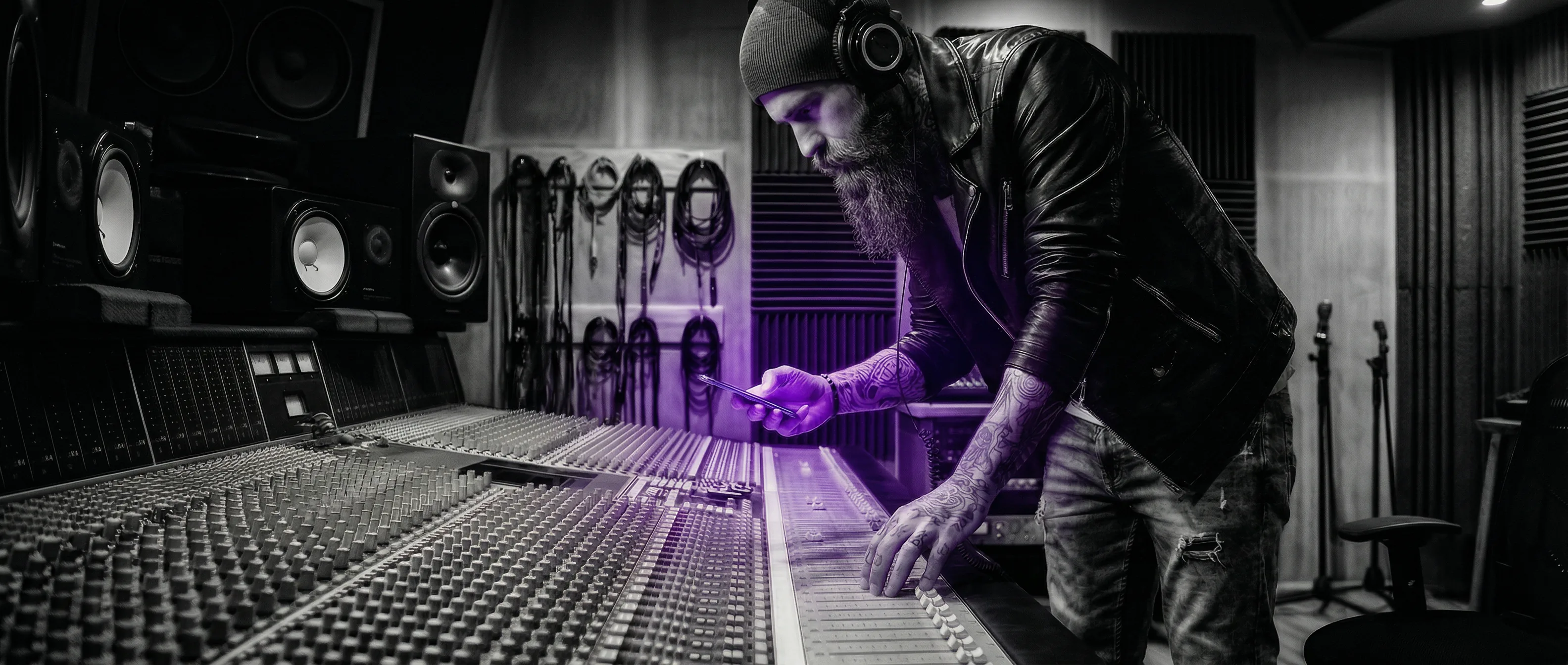
Perhaps the most surprising capability in Sys-Monitor is its professional audio analysis suite. Using your device's microphone, Sys-Monitor provides four studio-grade audio tools that rival dedicated hardware instruments costing hundreds of dollars.
Sys-Monitor's audio analysis suite turns your Android device into a portable measurement lab that rivals dedicated hardware costing ten times as much.
Oscilloscope and Spectrogram
The Audio Oscilloscope captures and displays waveforms in real time at 44.1kHz sample rate. With amplitude measurement, adjustable time divisions, and WAV recording capability, it transforms your phone into a portable oscilloscope for audio troubleshooting, speaker testing, or educational demonstrations. The Spectrogram provides a scrolling frequency-time-intensity visualization, making it easy to spot frequency anomalies, harmonics, or interference patterns over time.
Spectrum Analyzer and Decibel Meter
The Acoustics Spectrum Analyzer performs real-time FFT analysis across the full 20Hz-20kHz audible range, displaying frequency content with adjustable resolution. The Decibel Meter provides calibrated SPL (Sound Pressure Level) readings with A-weighting, peak hold, and logging — useful for everything from workplace noise compliance to speaker level matching.
Sensor Instruments: Beyond the Screen
Modern Android devices contain an impressive array of sensors that most users never access directly. Sys-Monitor unlocks these sensors and presents their data through professional instrument interfaces, transforming your phone into a collection of precision measurement tools.
The Digital Compass provides bearing, heading, and magnetic declination data with a classic compass display. The Accelerometer and Gyroscope tools show real-time three-axis motion data with graphing and peak detection. The G-Force Meter measures acceleration magnitude with peak recording — useful for automotive testing, roller coaster enthusiasts, or vibration analysis.
The Inclinometer provides pitch and roll measurements for leveling applications, while the Protractor offers angle measurement with a visual overlay. The Altimeter combines GPS altitude with barometric pressure data for elevation tracking, and the Seismometer — one of Sys-Monitor's most unique tools — detects vibrations with Richter scale estimation, effectively turning your phone into a portable seismograph.
Digital Seismometer
Vibration detection with Richter scale estimation — a portable seismograph in your pocket.
GNSS Activity Hub
Professional GPS with coordinates, altitude, speed, bearing, satellite mapping, and GPX export.
8 Sensor Instruments
Compass, accelerometer, gyroscope, G-force, inclinometer, protractor, altimeter, and seismometer.
Technical Architecture: How It All Works
Sys-Monitor is built with Kotlin and Jetpack Compose, targeting Android SDK 36 (Android 15) while maintaining backward compatibility to SDK 24 (Android 7.0). This broad compatibility ensures that roughly 97% of active Android devices can run the app.
The architecture follows MVVM principles with a Room database for persistent storage and DataStore for encrypted preferences. Background monitoring uses WorkManager 2.9.0 for reliable periodic tasks that respect Android's battery optimization constraints. The binary comes in at approximately 15MB — ultra-lightweight for an app with 59 tools.
Every tool in Sys-Monitor processes data entirely on-device. There are no cloud APIs, no remote servers, no analytics SDKs. Audio analysis uses the device's native AudioRecord API with custom FFT implementations for frequency analysis. Sensor data comes directly from Android's SensorManager with configurable sampling rates. GPS tracking uses the FusedLocationProvider for battery-efficient positioning. All storage is encrypted using the Android Keystore system.
Zero cloud transmission, zero tracking, zero accounts required. Every byte of data stays on your device, encrypted at rest.
Real-World Use Cases
Sys-Monitor's breadth makes it valuable across a wide range of professional and personal scenarios. Here are the use cases we hear about most from our users.
IT Professionals and Help Desk
IT support teams use Sys-Monitor to quickly assess device health during support calls. The System Health Dashboard provides an instant overview, while the WiFi Spectrum Analyzer helps diagnose connectivity issues by showing signal strength, channel congestion, and security protocols. The App Manager and Permissions Analyzer help identify problematic applications that may be draining resources or requesting excessive permissions. The export functions allow technicians to generate PDF reports documenting device state for compliance or audit purposes.
Audio Engineers and Musicians
The audio analysis suite sees heavy use from sound engineers who need a quick reference measurement in the field. The Oscilloscope helps verify signal integrity, the Spectrum Analyzer identifies frequency issues in live setups, and the Decibel Meter ensures compliance with venue noise regulations. For studio work, the tools serve as a convenient secondary measurement reference alongside dedicated hardware.
Developers and QA Teams
Android developers use Sys-Monitor to profile their own applications. The Live Monitor reveals how an app affects CPU load, memory consumption, and battery drain in real time. The App Performance Profiler tracks resource usage over time, making it easy to identify memory leaks or excessive background activity. The Boot Analyzer measures startup optimization, and the Process Monitor shows exactly what's running and consuming resources.
What Sets Sys-Monitor Apart
In a market saturated with Android utility apps — many of which are ad-laden, privacy-invasive, and functionally shallow — Sys-Monitor takes a fundamentally different approach. Every tool is free. There is no premium tier, no in-app purchase wall, no 'upgrade to unlock' gates. All 59 tools are immediately available on installation.
The privacy architecture is uncompromising: 100% local processing, zero cloud transmission, no account required, encrypted storage, no tracking. In an era where most free apps monetize user data, Sys-Monitor generates no revenue from its users at all. It exists because the STRATEGIA-X team believes power users deserve professional tools without compromises.
With 53 export functions spanning CSV, JSON, PDF, GPX, and WAV formats, Sys-Monitor doesn't just display data — it lets you document, analyze, and share your findings professionally. Whether you're generating a device health report for a client, exporting GPS tracks from a field survey, or saving an audio measurement for later analysis, the data portability is built in from the ground up.
Sys-Monitor isn't trying to be everything for everyone. It's built for people who take their devices seriously — who want to understand what's happening under the hood, who need accurate measurements they can trust, and who refuse to trade privacy for functionality. If that sounds like you, Sys-Monitor is available now, free on Google Play.
Get Sys-Monitor on Google Play
59 professional tools. Free. No ads. No premium tier.